
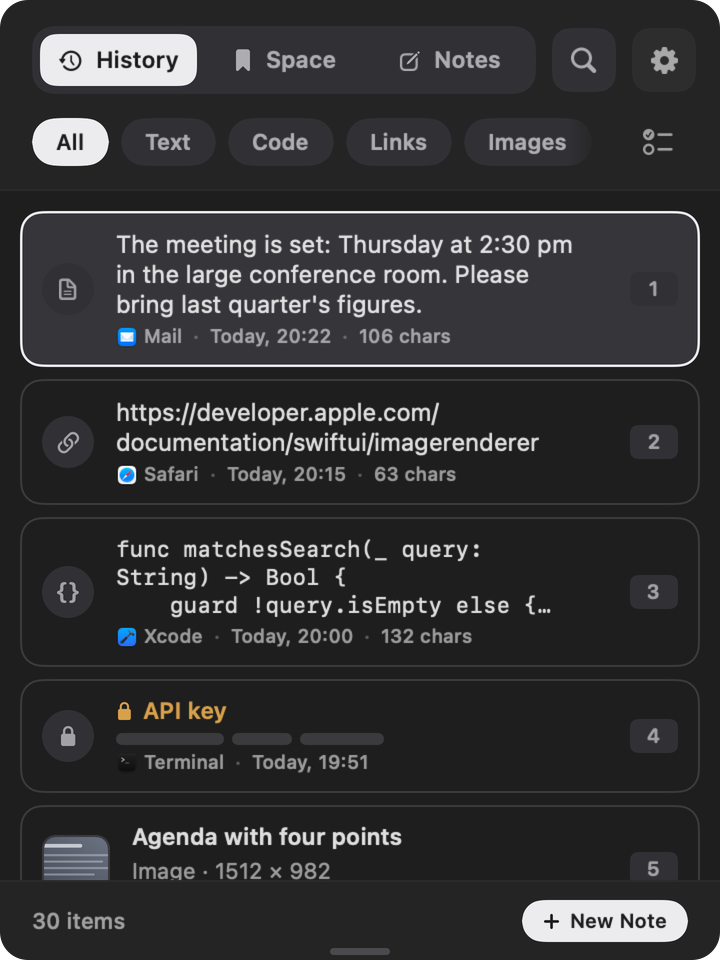
CacheBar – Your clipboard history for macOS.
Everything you copied, one shortcut away: ⌥+V opens your history over any app.
 Free
- Price model
- Free
- Devices
- Mac
- Requires
- macOS 14 or later
- Data collected
- Data not collected
- Languages
- English and German
What it does
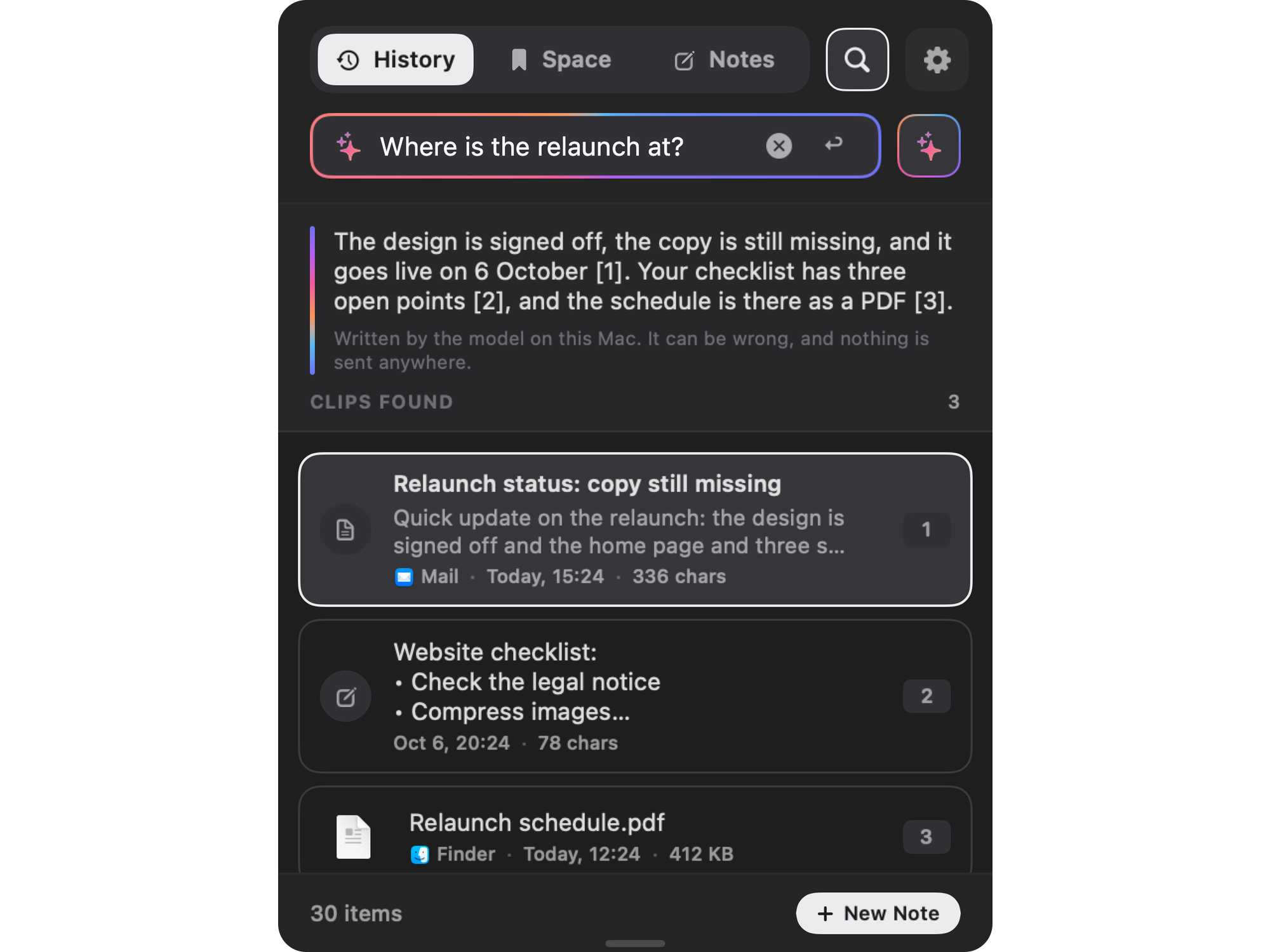
Ask your history. In your own words.
The answer comes from what you copied, with the entries it is based on. Worked out on your Mac, not in the cloud. With Apple Intelligence on macOS 26 and later.
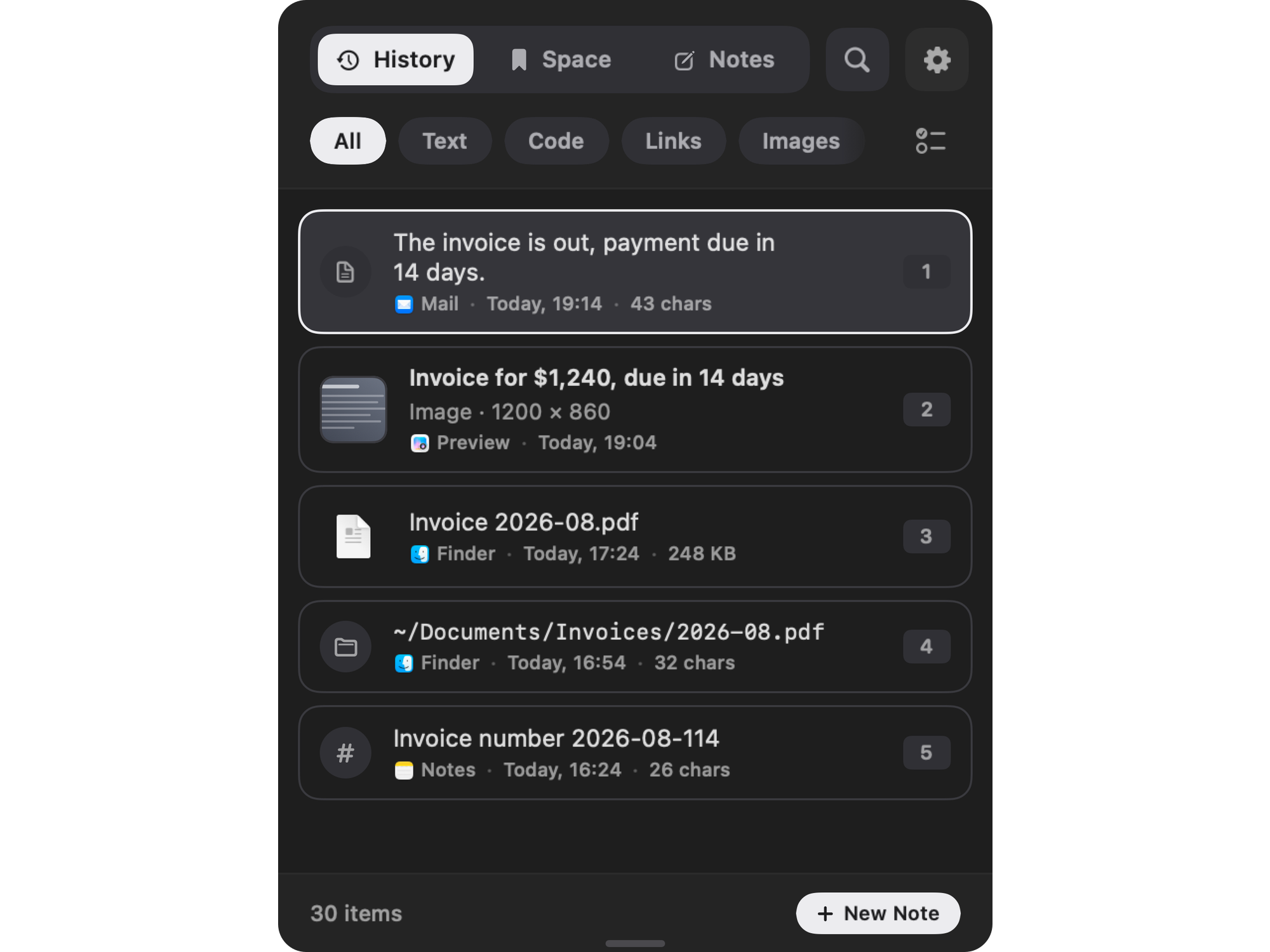
Find anything again. Even in screenshots.
Search by content, filter by kind. CacheBar reads the text in copied pictures, right on your Mac.
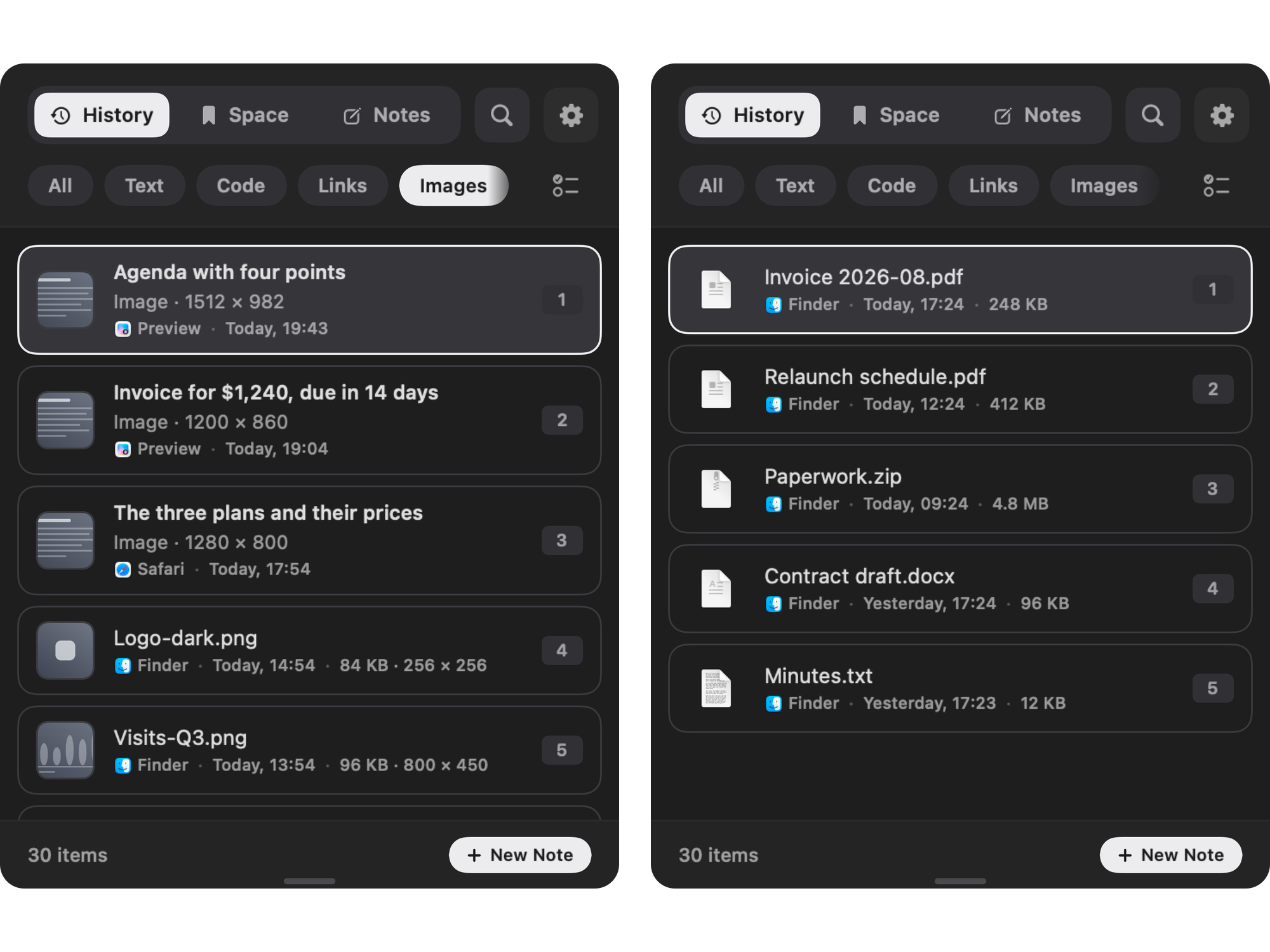
Pictures and files, not just their names.
A copied screenshot comes back as a picture, a copied file as a file.
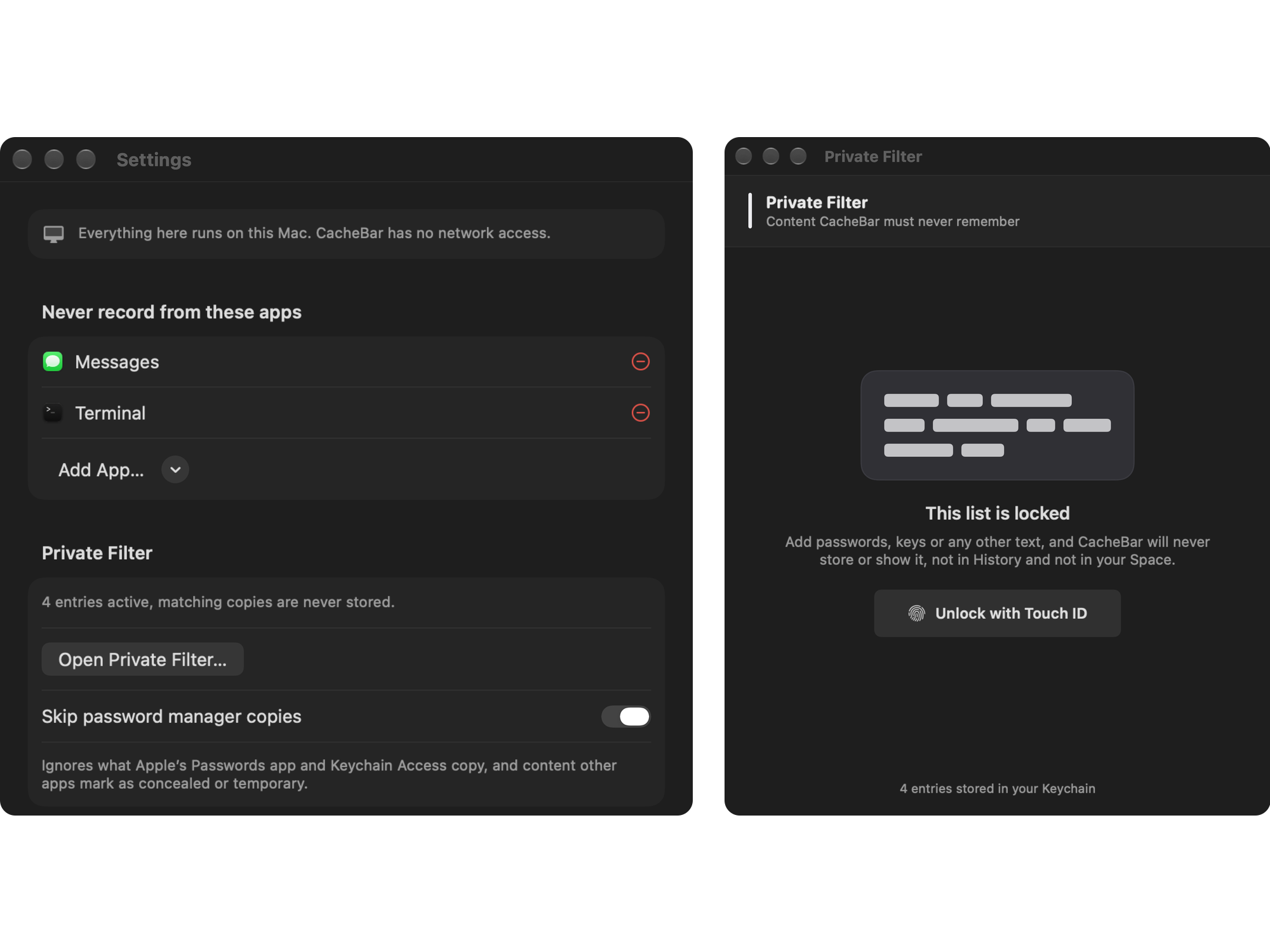
What is private stays private.
Password managers and apps you exclude are never recorded. No network access, no tracking.
Privacy
CacheBar ships without the network entitlement, so it cannot open a connection of its own. Your data stays on your Mac.
Read the privacy policyPrice
CacheBar is free to download and use.
The App Store shows the price in your currency.
FAQ
Support pageHow do I open CacheBar?
Press ⌥+V in any app.
Does CacheBar send my clipboard anywhere?
No. The app has no network access.

