 Coming soon
Printpile – Declutter photos with a swipe
Printpile lets you declutter your photos by swiping and free up storage, all on your iPhone.
- Devices
- iPhone
- Data collected
- Data not collected
- Languages
- English and German
What it does
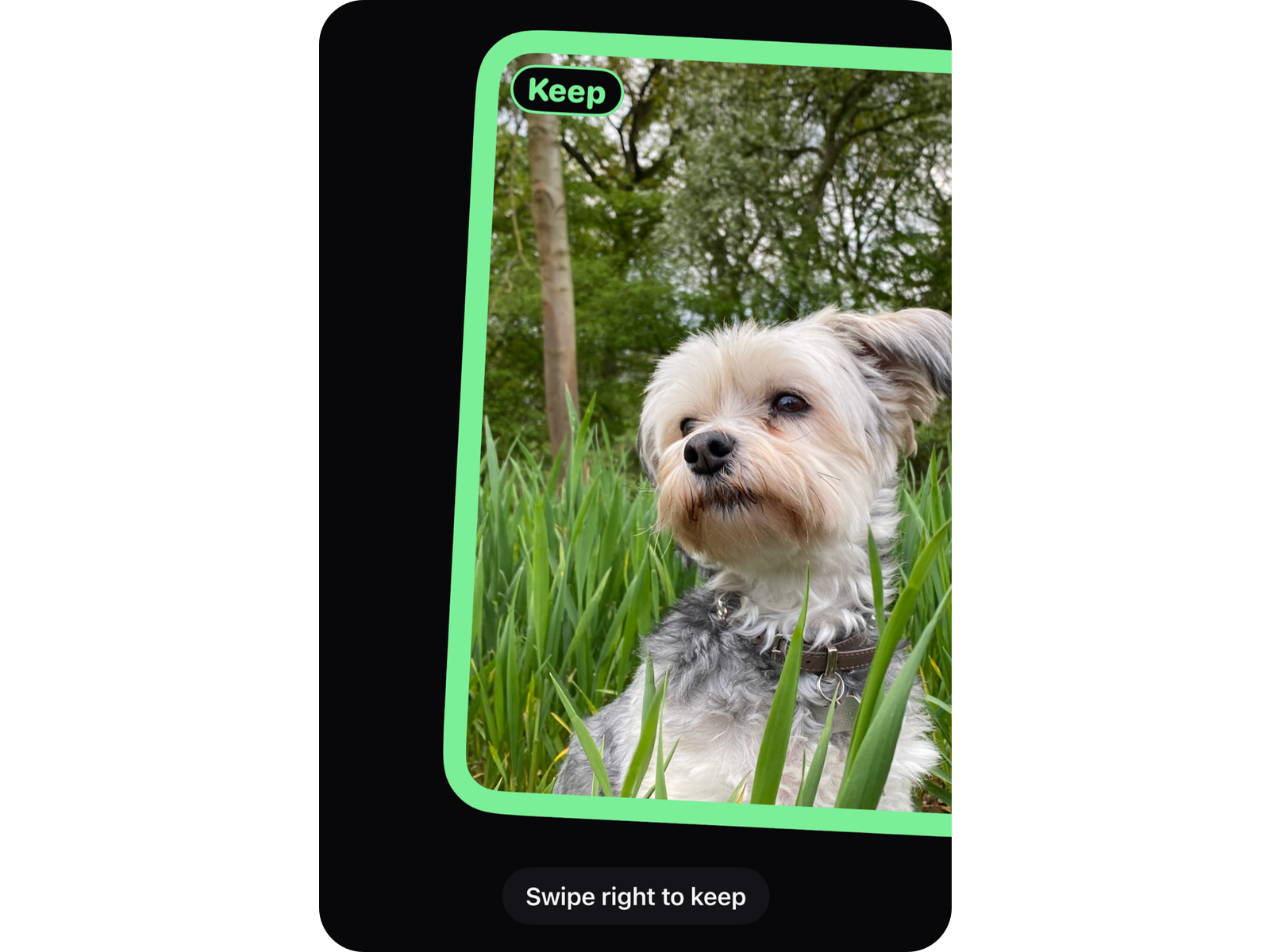
Declutter photos with a swipe
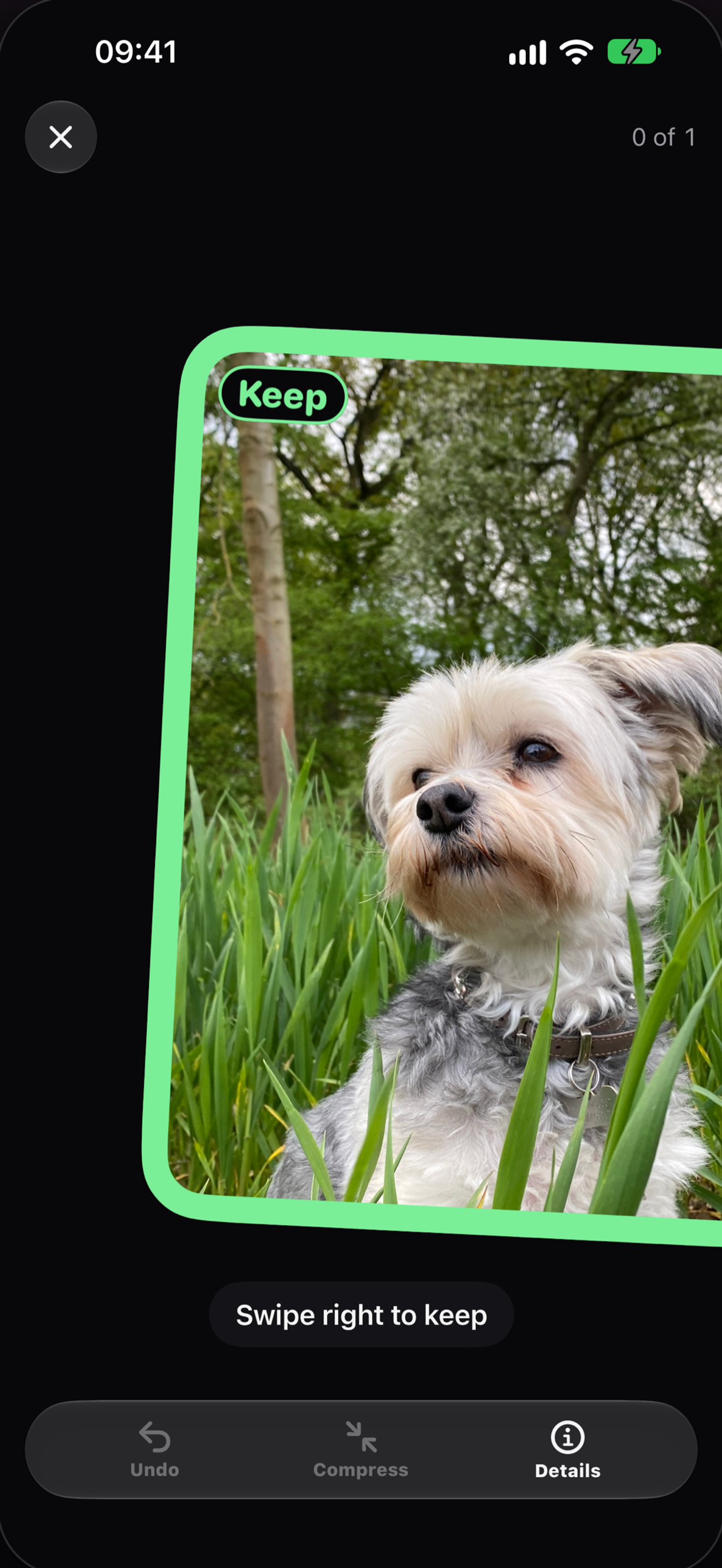
Swipe right to keep, swipe left to let go, swipe up for later. Undo takes back your last decision, and you can bring any photo back from the Pile at any time.
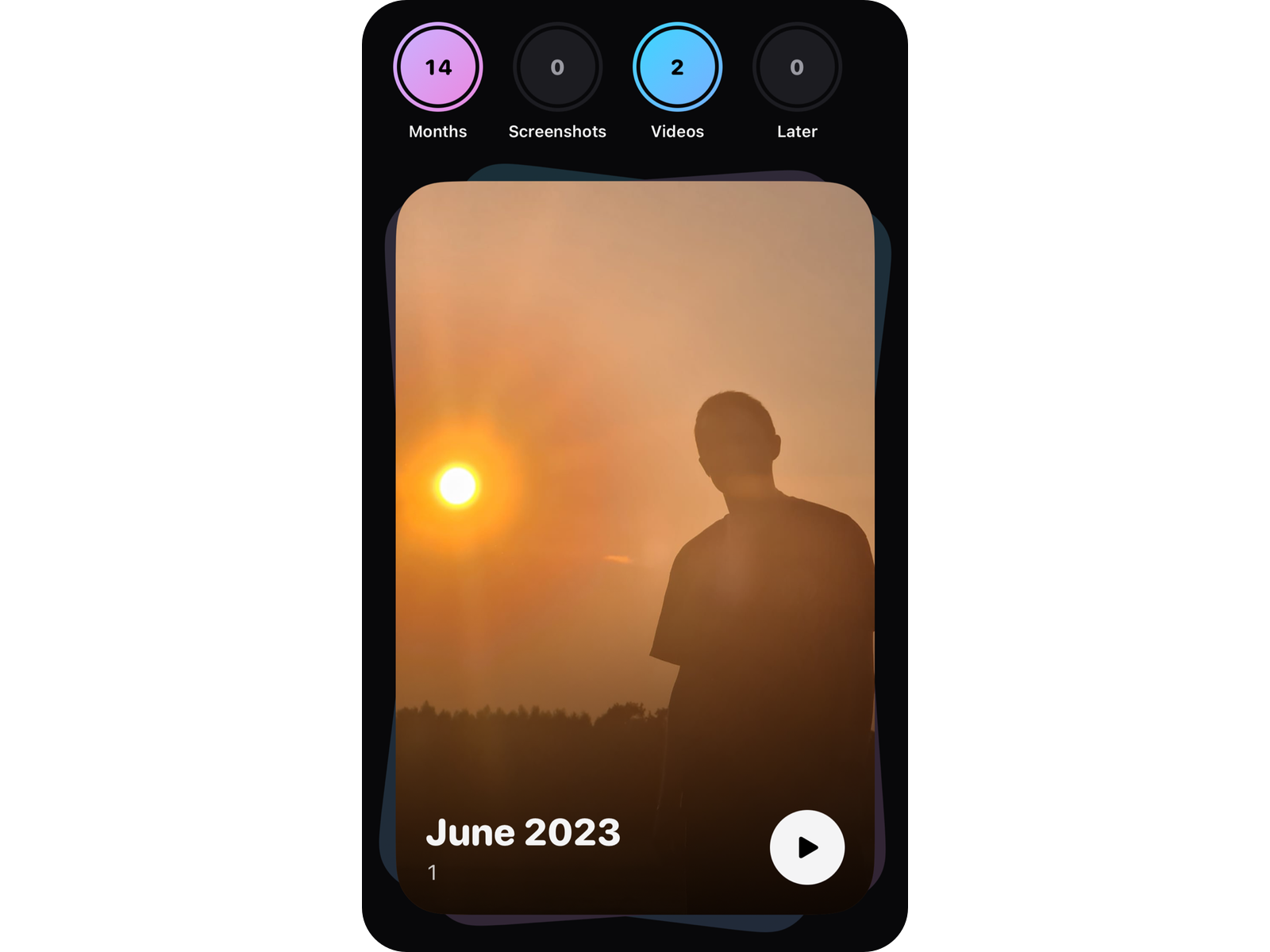
Clean your gallery month by month
Your library month by month, with progress. Other stacks hold screenshots and screen recordings, large videos, and everything you weren't sure about yet.
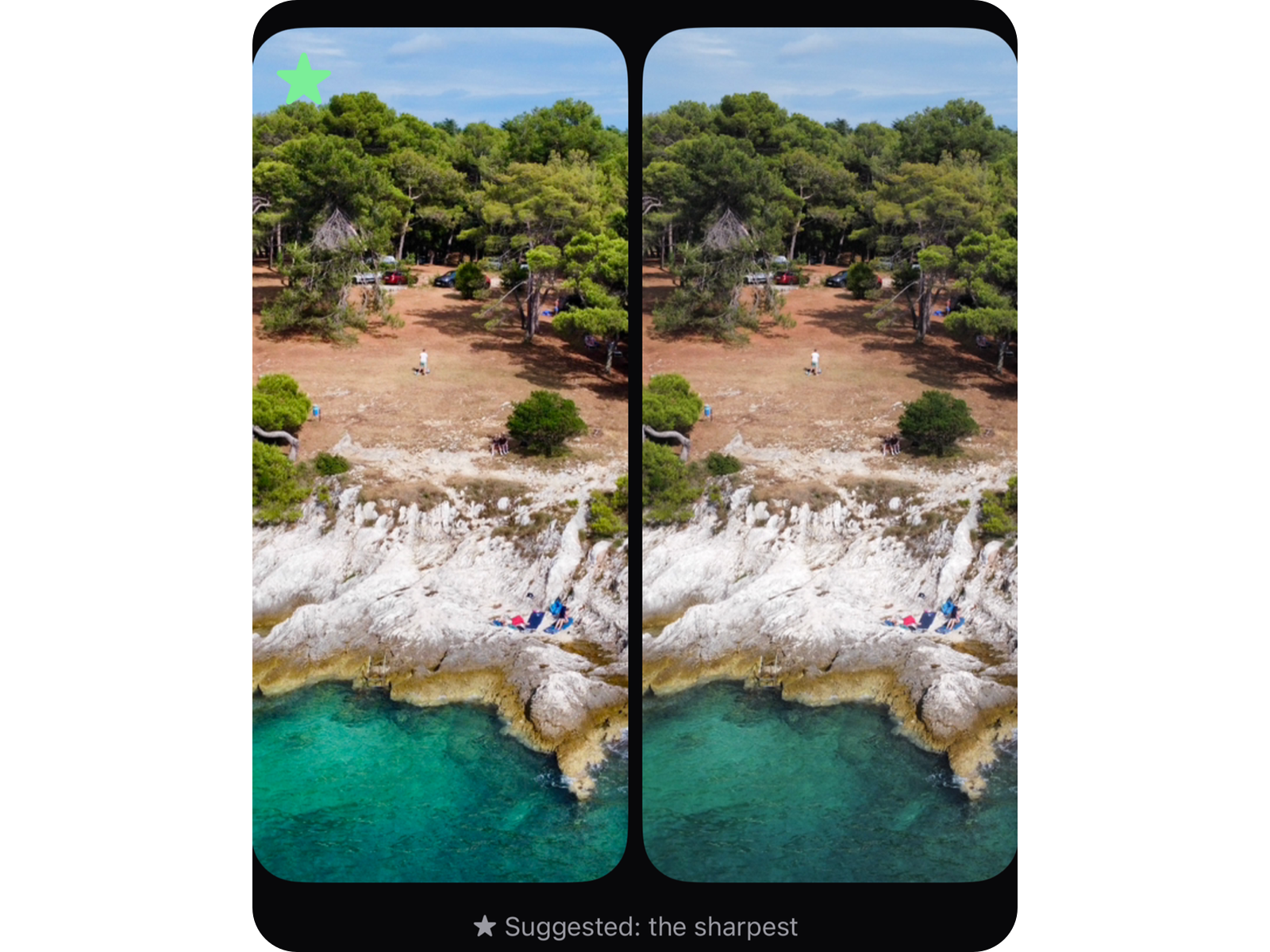
Similar photos: keep the best one
Groups of similar photos, a suggestion for the best one with the reason, and a side-by-side comparison. Part of Printpile Pro.
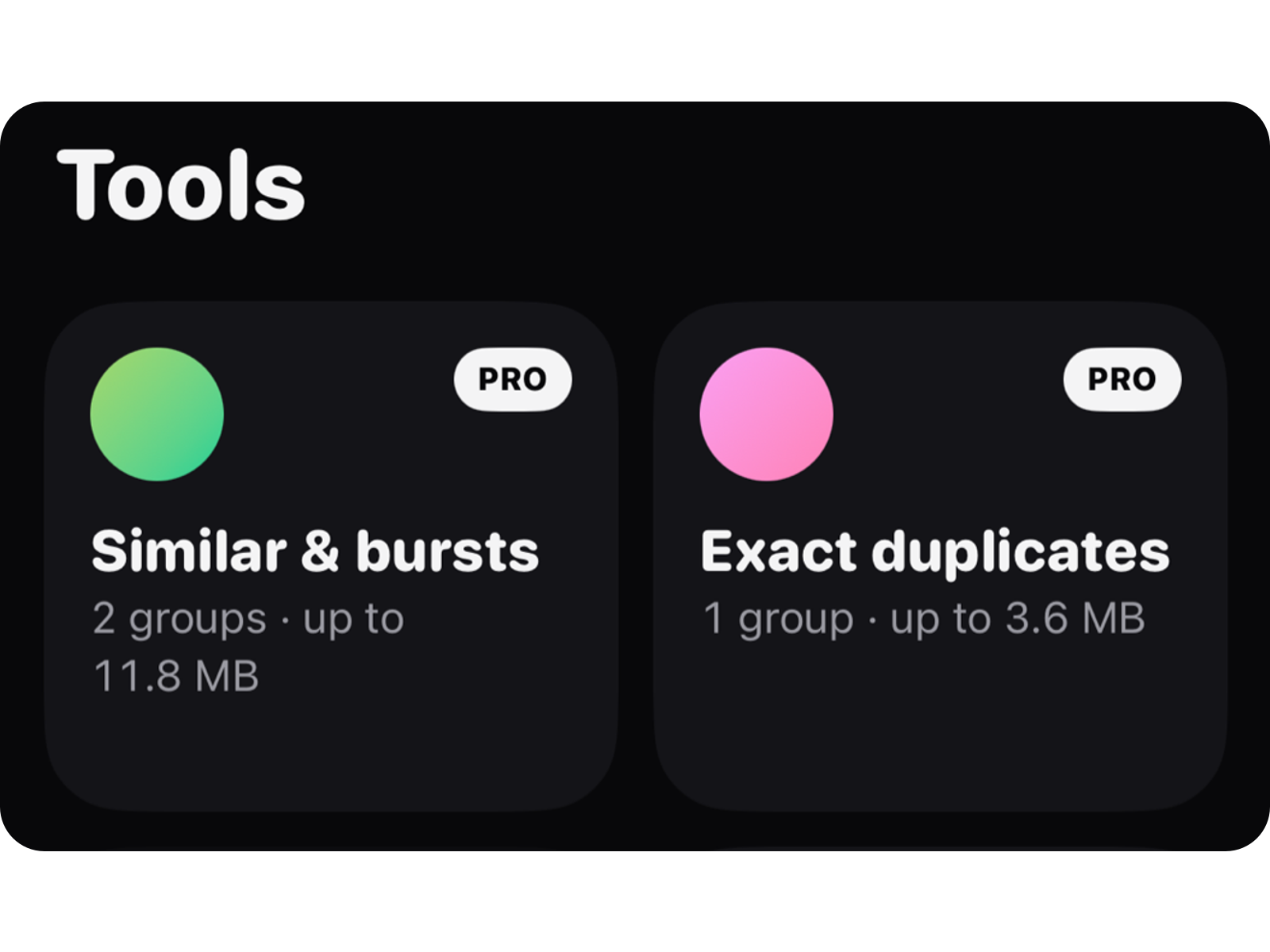
Find duplicates, right on your iPhone
Find copies of the same picture with Printpile Pro. Printpile checks your photos only on the device and never uploads them.
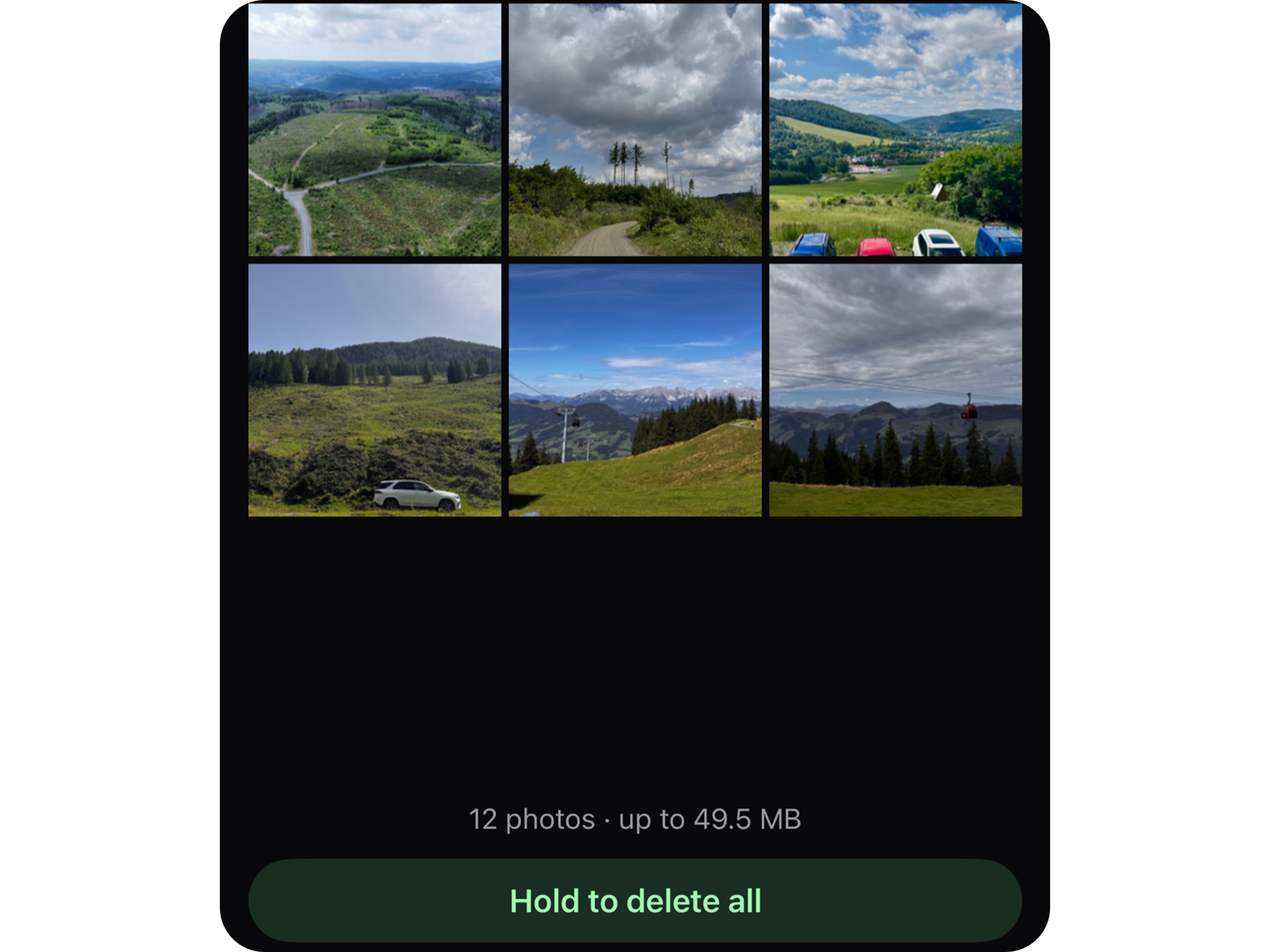
Free up storage when you say so
What you let go waits in the Pile until you empty it on purpose. Nothing is ever deleted automatically.
Privacy
Printpile looks at your photos only on your iPhone. There is no account, no advertising, no analytics and no tracking.
Read the privacy policyAlso inside
- Screenshots and screen recordings in their own stack
- Large videos, biggest first
- Quick round: 20 random photos in about a minute
- Double-tap: Favourite, and the photo is protected
- Touch and hold: details like size, date, place and camera
- Compress videos with Printpile Pro: a smaller copy at three levels, with the same date and place
- How much storage was actually freed, measured, not estimated
- Its own haptics for every decision, with quiet sounds if you like
- Works in airplane mode
FAQ
Support pageWhy is no storage free after deleting?
Deleted photos stay in “Recently Deleted” in Photos for 30 days and keep using storage until then. In Printpile, You › Free up space shows you how to empty it right away.
How do I restore Printpile Pro?
Go to You › Pro › Restore purchases.
How do I get a refund?
Apple handles the purchase. You can request a refund at reportaproblem.apple.com.
How do I delete my data?
What Printpile stores is only on your iPhone. If you delete the app, it is gone. Your photos stay untouched.
Can I write to you from the app?
Yes, use You › Help & feedback. The app version and device model are then already in the email.
Is there a subscription?
No. The core is free, with up to 200 photos and videos to let go each week. Keep and Later have no limit. You buy Printpile Pro once and share it with your family.

